Expense Tracker
Simplifies tracking your spending with an intuitive interface.
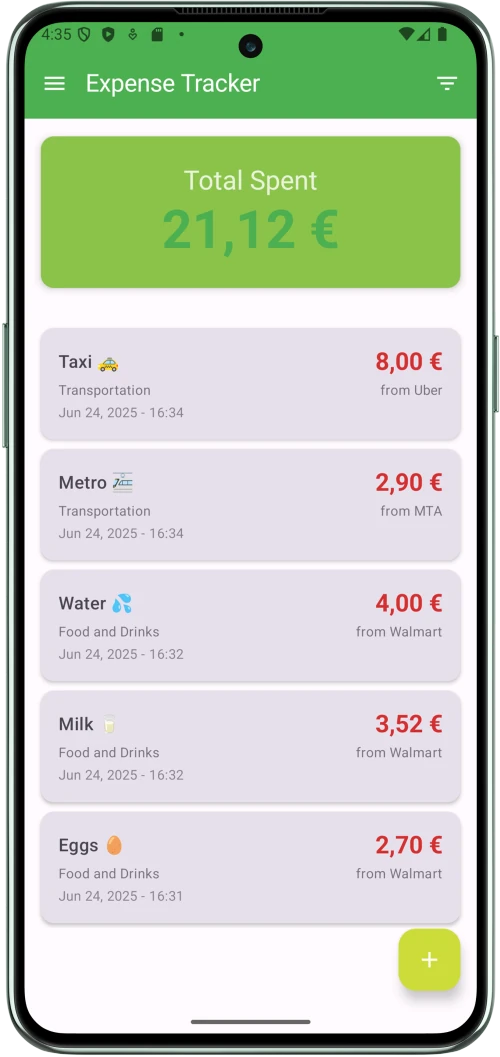
Simplifies tracking your spending with an intuitive interface.
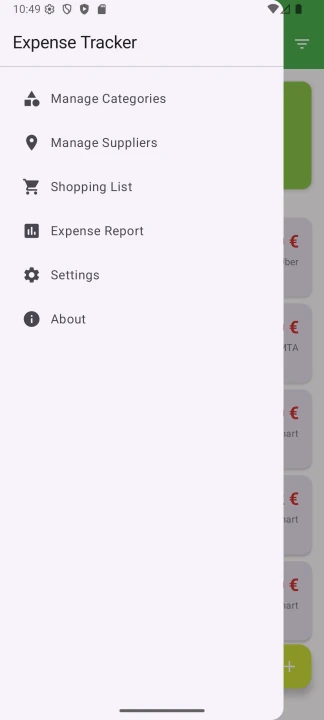
Log your daily expenses with customizable categories and suppliers.
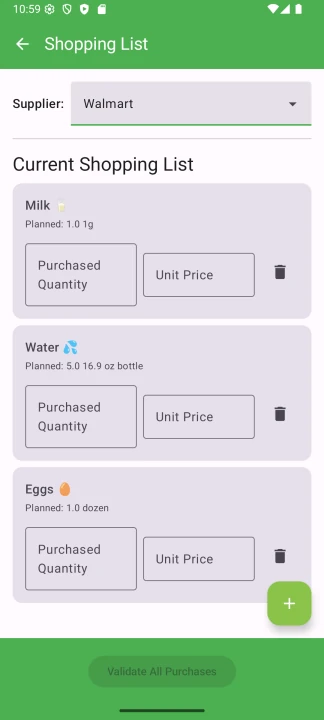
Create and manage shopping lists to stay organized and on track.
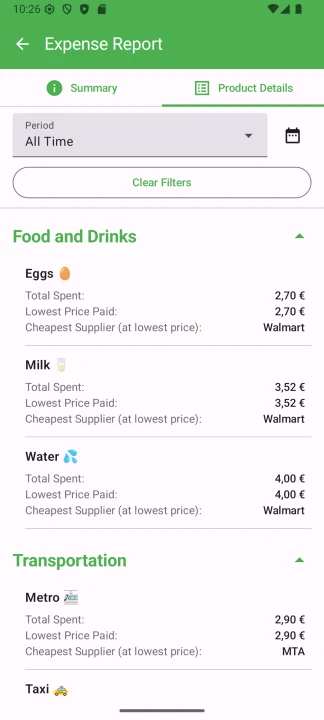
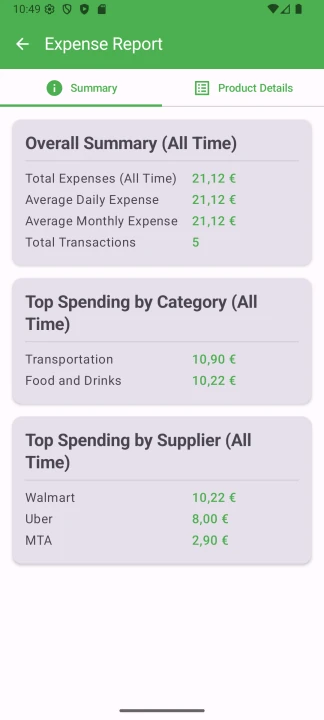
Get clear insights with reports that update automatically with each purchase.
Easily log daily expenses, organize them by categories and suppliers, and create shopping lists to plan purchases. Reports update automatically with each purchase, showing spending patterns by category or supplier. Designed for ease of use.
Download Now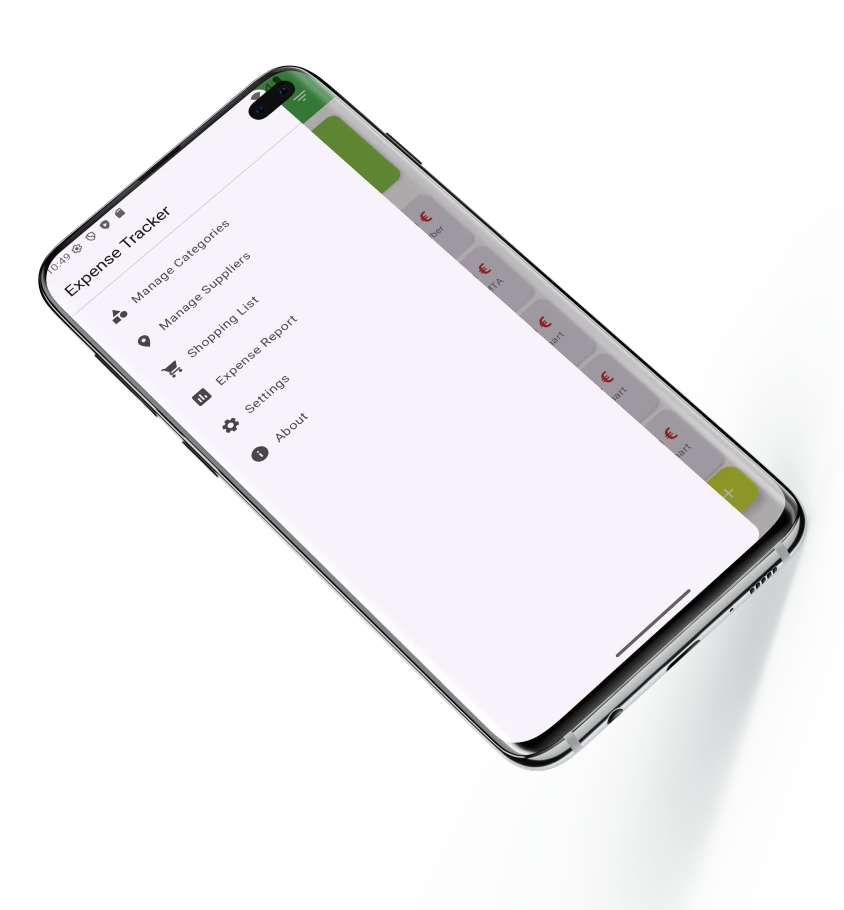

Quick Expense Logging
Stop wrestling with complicated forms. With a pre-populated list of your own products and suppliers, adding a new expense takes only a few taps. It's designed to be so fast you can log purchases the moment you make them.
With Smart Categories
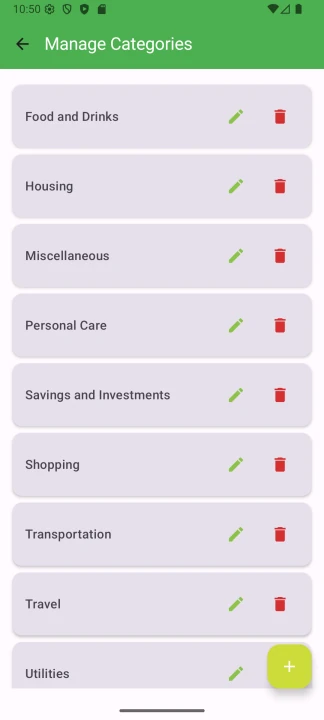
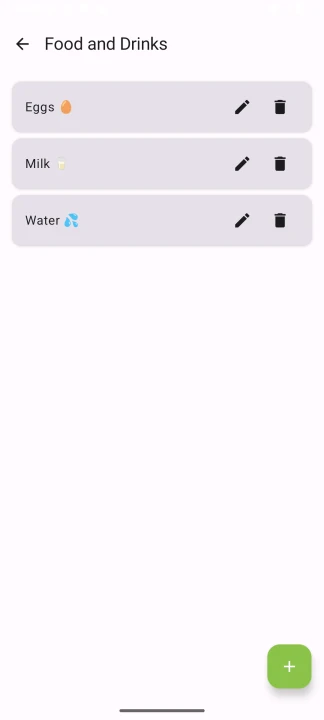
Don't just track your spending; understand it. Create and manage your own custom categories and link products directly to them. This granular control means you can see exactly where your money is going, from "Groceries" down to the specific items you buy most often.
For Clear Insights
Instantly get the answers you need. With intuitive filters, you can view your spending for any period—last week, this month, or a custom range. Combine filters to see how much you've spent at a specific store or on a particular category, turning your raw data into meaningful knowledge.
To Plan Ahead
Go beyond tracking and start planning. Create shopping lists tied directly to your suppliers. This unique feature helps you prepare for your shopping trips, ensuring you stay on budget and organized before you even spend a dime.
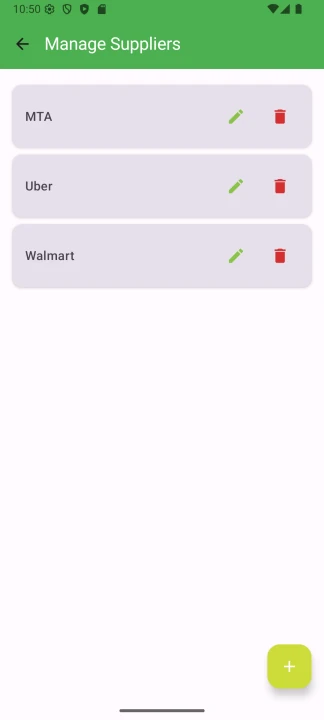
First, take a moment to customize the app to your life. Create the spending Categories that make sense to you (like "Groceries," "Transport," or "Entertainment"), add your frequently visited Suppliers, and pre-load the Products you buy most often. A few minutes of setup now will save you hours later.
As you go about your day, logging your expenses is effortless. Just open the app, tap the '+' button, select the item and supplier from your pre-loaded lists, enter the amount, and you're done. It's designed to be so quick you can do it in the checkout line.
This is where you gain control. Use the powerful filters on the main screen to see where your money is going. Check your spending for the month, see how much you spent at a specific store, or create a Shopping List for your next trip. Go from just tracking expenses to making smarter financial decisions.

As someone juggling a busy career, I don't have time for complicated apps. This is the first expense tracker I've actually stuck with. Logging a purchase takes literally five seconds because all my usual stores and items are right there. The best part is the filtering—in an instant, I can see my 'work lunch' or 'client coffee' spending for the month. It's incredibly fast and gives me the clarity I need without the clutter. A total game-changer for me.
Marketing Manager

Managing a family budget is no small task, but this app gives me a level of control I haven't found anywhere else. Setting up products for each category was brilliant—I can finally see not just that I spent money at the supermarket, but exactly what I'm spending it on. The shopping list feature, linked to suppliers, has completely streamlined our grocery trips. It's more than a tracker; it's a planning tool that helps us stay ahead.
Father of Two

Finally, a tracking app that respects the data! I love how organized it is. The ability to manage products within each category is exactly the kind of detail I've been looking for. What sold me was when I tried to delete a category and it wouldn't let me because it had products in it. That kind of smart, protective design shows the developers care about data integrity. It gives me incredible confidence that my financial records are accurate and safe.
Freelance Designer
Get it now on Google Play. Take control of your spending with a fast, private, offline expense tracker.

*Requires Android 6.0 (Marshmallow) or later.